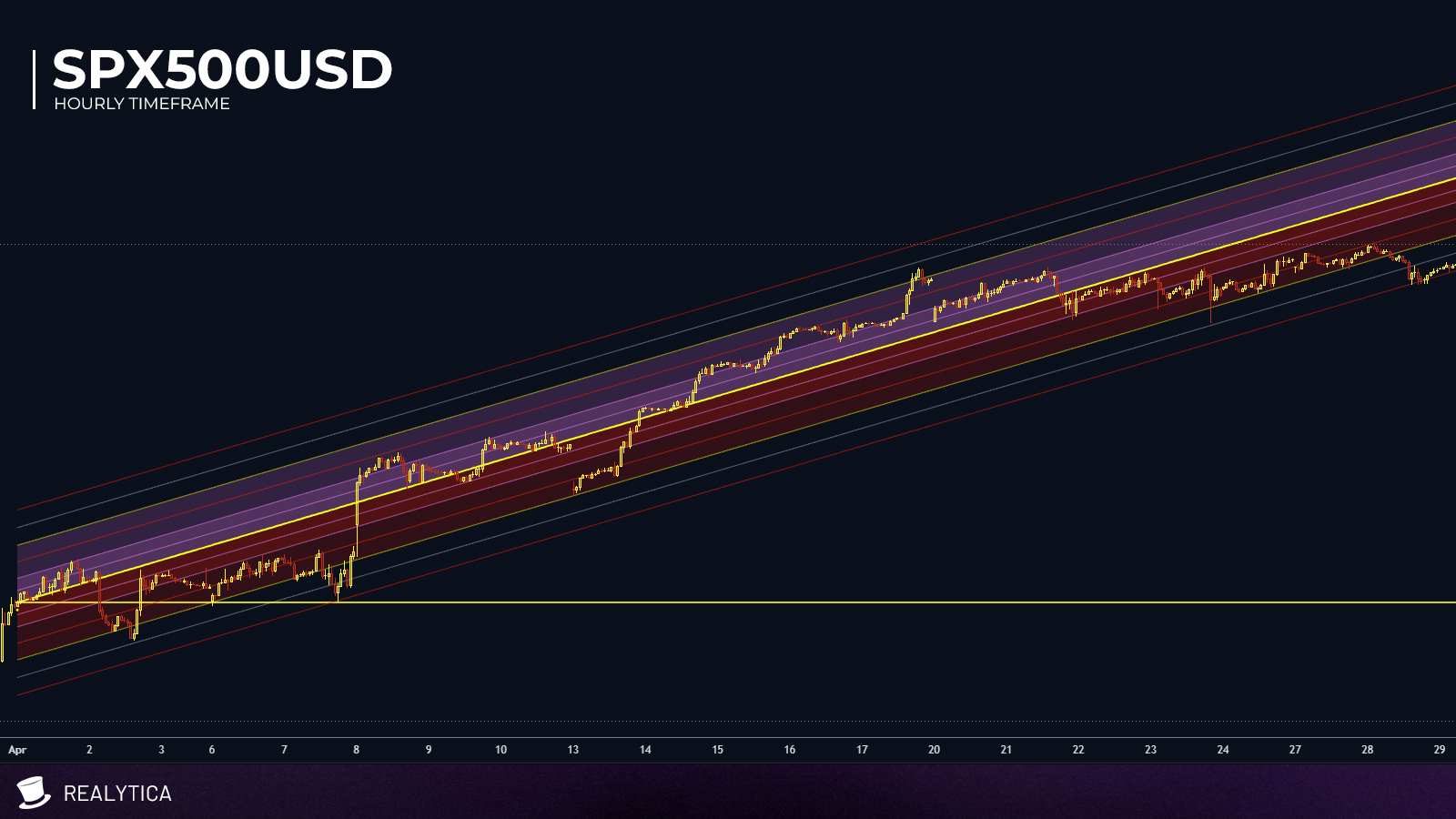
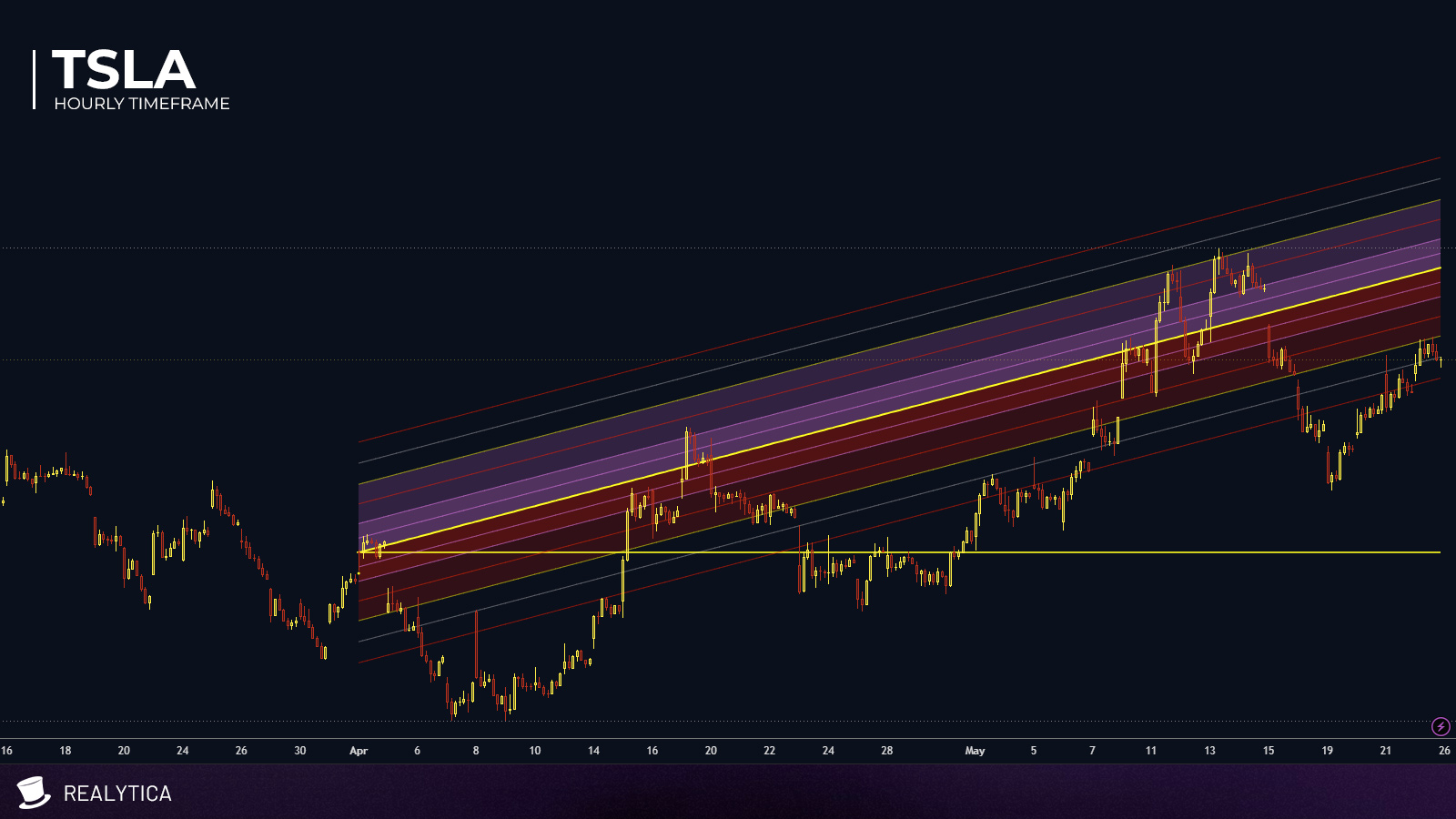
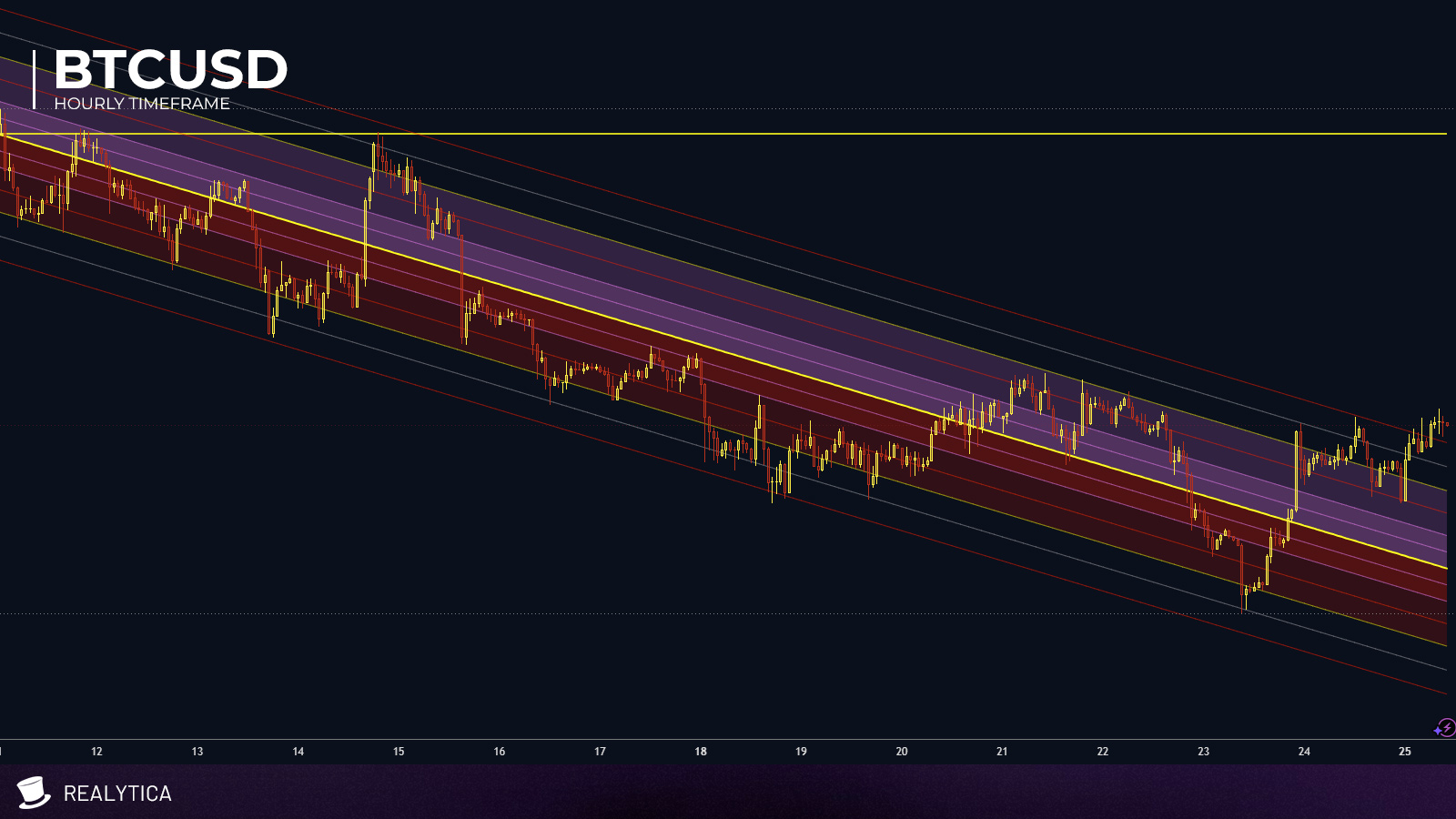
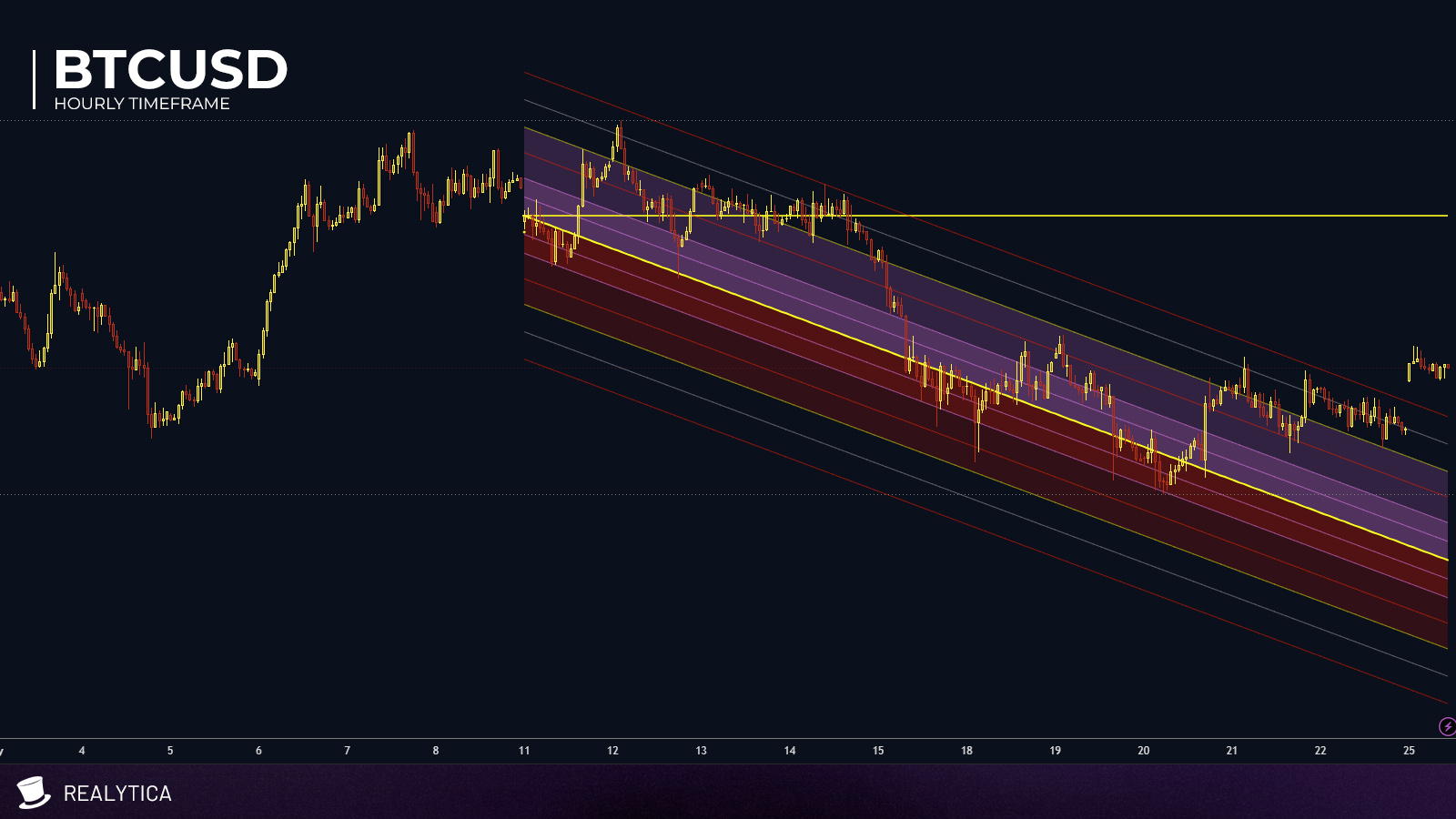
Realytica CHANNEL Selectuses the CHANNELindicator to automatically form price channels — but from a user-specified point in time. Be it monthly open, weekly open, daily open, or whatever position in time the user needs.
Giving the user the opportunity to anchor a channel on places in time that the user finds to hold a structural importance. Not just observing short period shifts, but shifts to heavier structural points in time.
Automated Channel with barriers.
User defined time anchoring.
Ready made alarms with editable default messages.
Asset independent. Works across equities, futures, forex and crypto
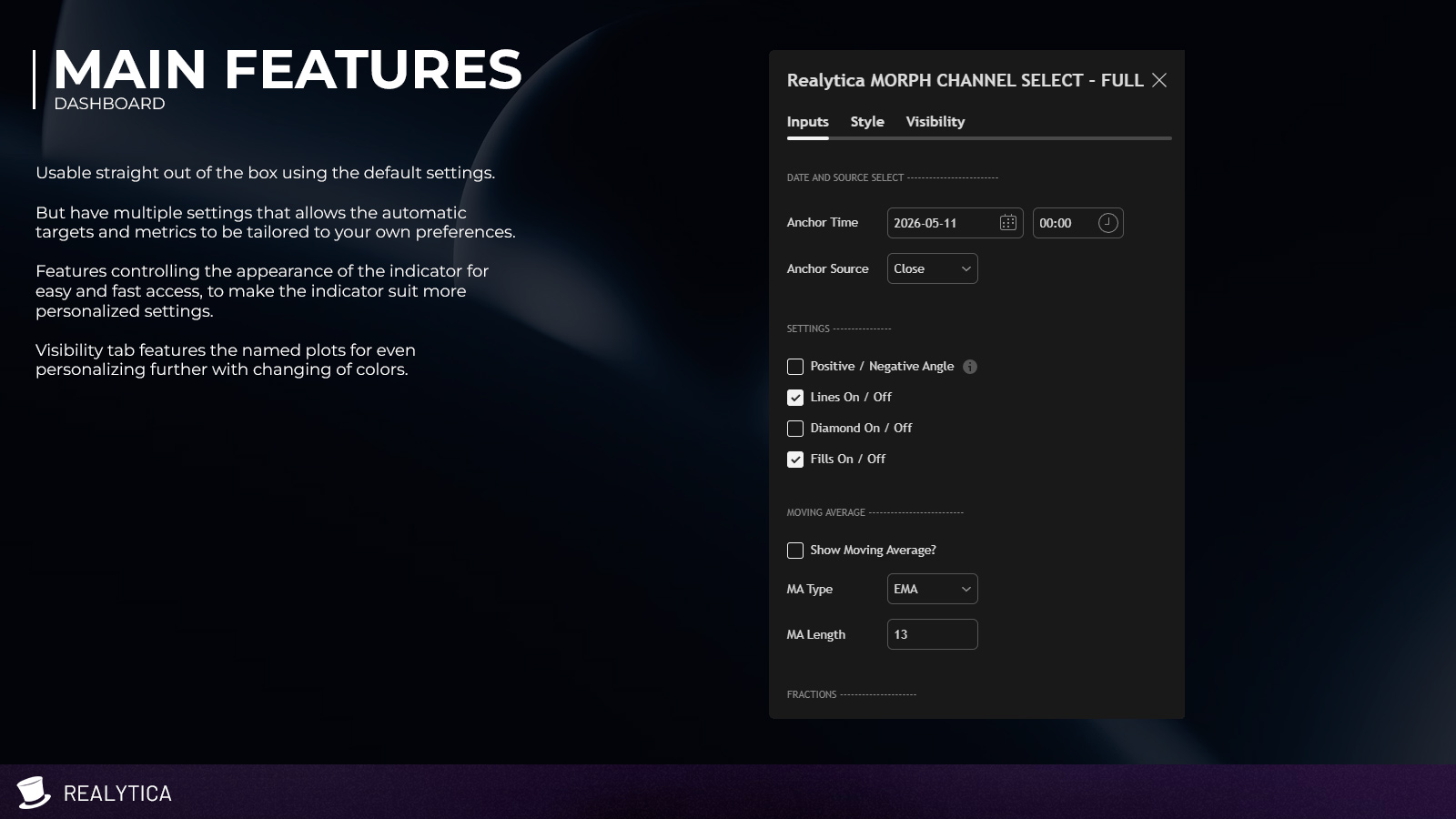
Customizable visual settings.
Shared color coding with rest of indicators.
SPXUSD – 1HR
TSLA – 1HR
BTC – 1HR
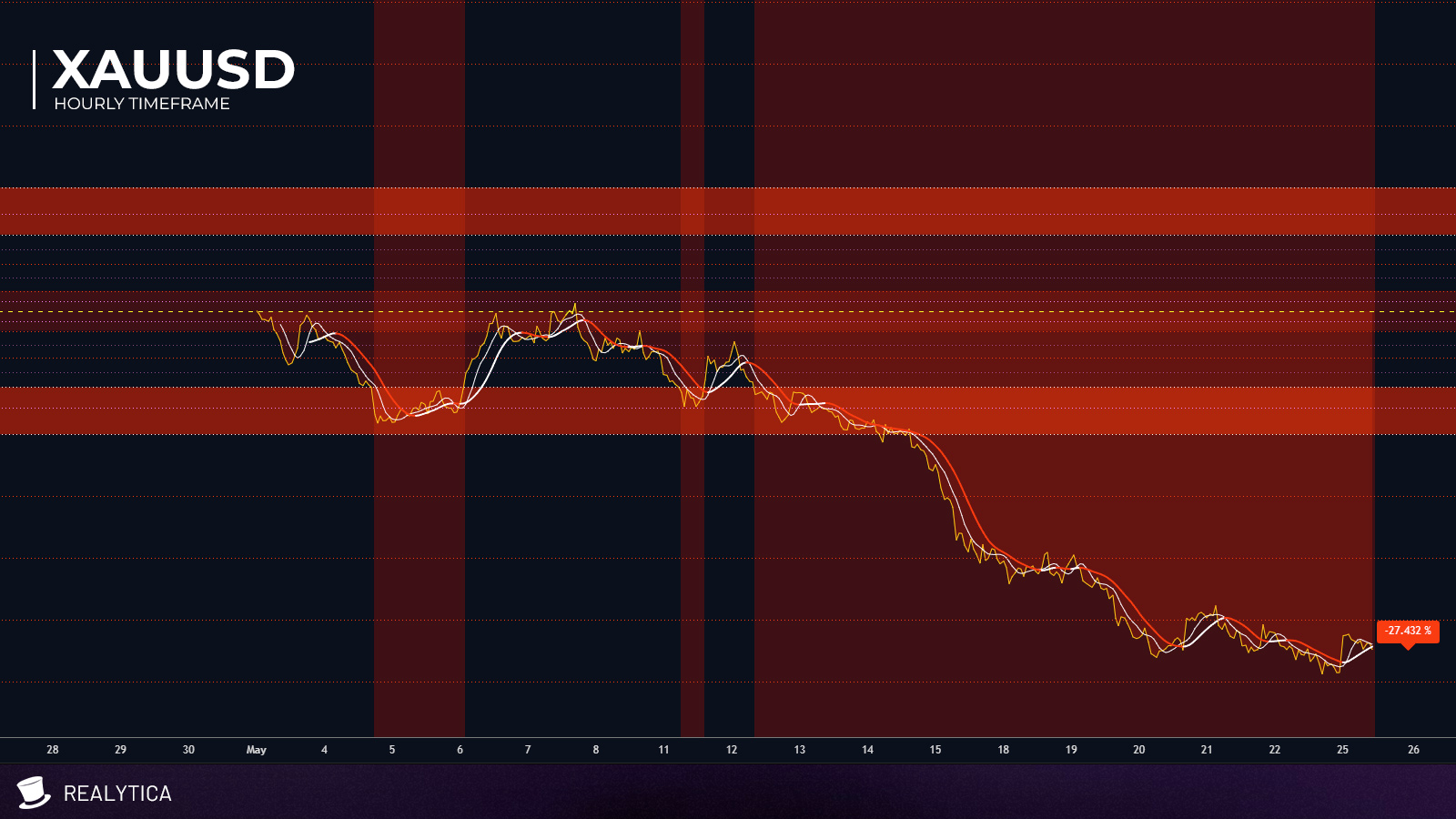
XAUUSD – 1HR
Dashboard
Sample screen shots with the indicator using the default settings. Using same time frame for consistency.
Oscillator companion.
Understanding movements in a chart + indicator environment can on occasions be further understood if we also look at it on a flat plane.
Majority of the Realytica Suite indicators come with an oscillator companion version to cover this gap — with its own features and alarms that can be user defined.
Hoist the anchor?
Anchoring is crucial to understand structure.
Movements have its own space, but is also entangled in structural movement. We can´t understand one without the other.
And to understand structure, we need to anchor somewhere to even access structure.
Where to anchor though, that´s the tricky part…
All Realytica indicators have been created with the user in mind. Thus clear colors, same color coding across indicators, similar vocabulary, all in an attempt to shorten the decision process when dealing with possibly multiple indicators. And all have visual customization options in the dashboard, to make the indicator look the way the user prefers.